Choosing an email marketing platform should be relatively straightforward. You compare features, check pricing, and pick the one that fits your budget. Right?
Not quite.
The platform you choose today can determine how effectively you segment your audience, automate customer journeys, connect marketing with sales, and ultimately turn subscribers into customers.
And while most email marketing platforms look remarkably similar on the surface, their differences become obvious once you start scaling.
A creator sending a weekly newsletter has very different requirements from a SaaS startup nurturing trial users. An eCommerce business managing thousands of transactions needs something different again.
So, before looking for an alternative to ConvertKit, it is worth asking a more important question: What role should email marketing play in your growth strategy?
First, is ConvertKit actually the problem?
ConvertKit, now known as Kit, was originally built around the needs of creators, bloggers, educators, and independent businesses. Its focus on subscriber management, landing pages, email sequences, and digital product monetization made it particularly appealing to people building businesses around their audiences.
And it remains a strong option for those use cases.
In fact, switching platforms simply because another provider offers more features can be a mistake. More features do not necessarily translate into better results.
The limitations usually appear when your business model becomes more complicated.
Imagine starting with a newsletter and eventually adding online courses, a paid community, consulting services, and multiple products. Suddenly, you need to know not only who subscribed but also what they purchased, which products they use, and which communications they should no longer receive.
This is where the distinction between email marketing software and a broader customer engagement system becomes important.
Before switching, establish whether your problem is genuinely technical or whether you simply need a better segmentation and automation strategy.
Seven ConvertKit alternatives worth considering
Rather than ranking platforms from best to worst, it makes more sense to evaluate them according to the business models they support.
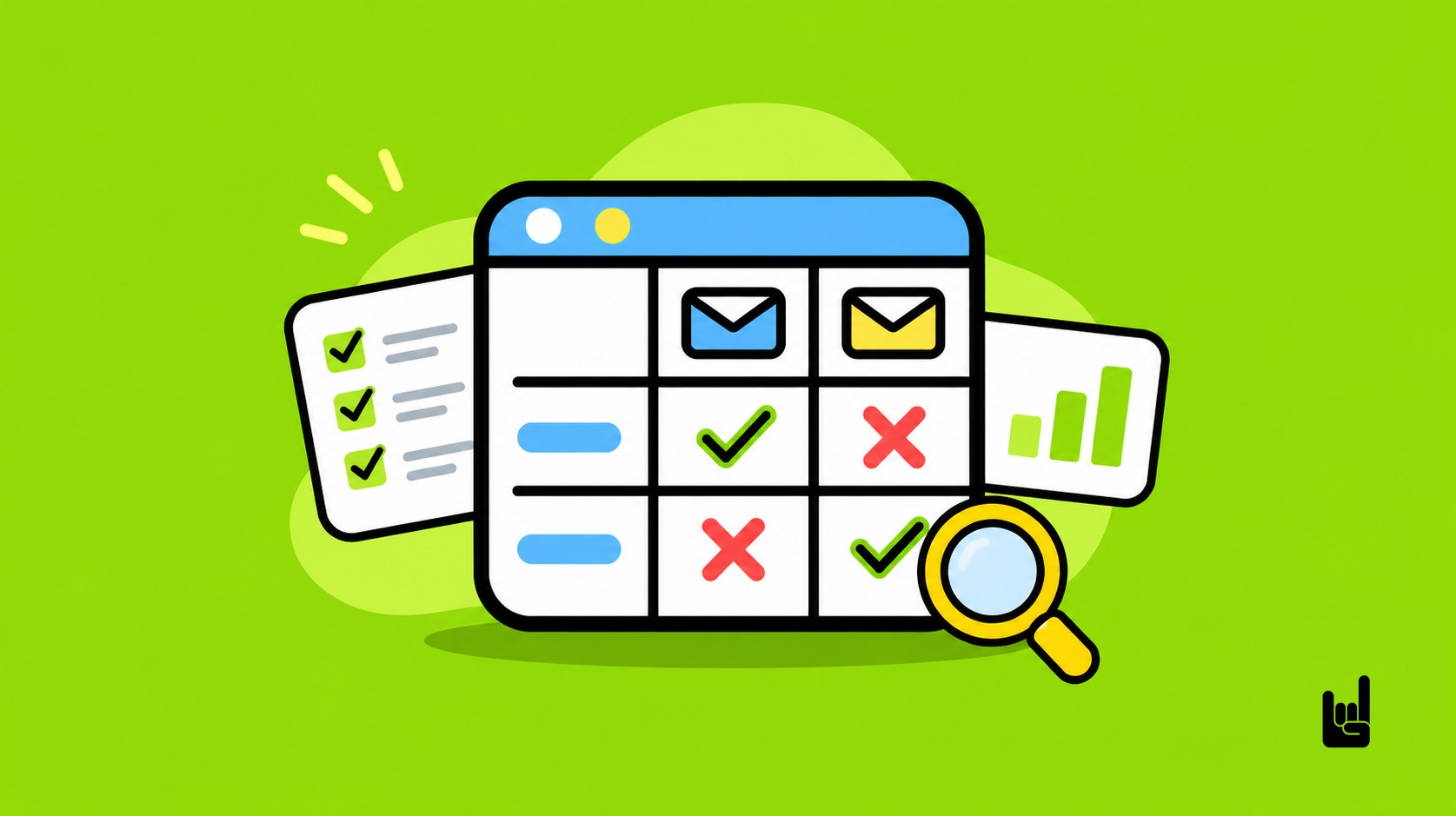
Platform | Best suited for | Main consideration |
Brevo | Growing businesses with multichannel communication needs | Email volume, contact limits, and automation tiers |
MailerLite | Small businesses and teams seeking simplicity | Automation and sending limits across plans |
beehiiv | Newsletter publishers and audience-led businesses | Less suitable for complex sales-led journeys |
ActiveCampaign | Businesses requiring sophisticated behavioral automation | Implementation complexity and feature tiers |
Mailchimp | General-purpose marketing and eCommerce campaigns | Contact-based pricing and automation limits |
HubSpot | B2B companies aligning marketing, sales, and CRM | Higher total cost and operational commitment |
GrowthOS | Businesses requiring AI-powered email workflows and automation | Connects contact intelligence, AI agents, and business workflows |
These are not interchangeable products. They solve overlapping problems but are designed around different priorities.
1. Brevo: When email becomes part of a larger communication strategy
For businesses expanding beyond newsletters, brevo is worth evaluating.
Its broader approach combines email marketing with capabilities for transactional communication, automation, CRM, SMS, and other customer interactions.
Consider an online business where customers subscribe to a newsletter, register for a webinar, receive a promotional offer, and eventually purchase a service.
Those interactions may involve several systems. A platform that brings more of them together can reduce fragmentation and make coordinated communication easier.
Brevo is also interesting from a pricing perspective. Its plans are structured around email sending volume, although contact storage and automation limits also vary by tier.
This creates an important distinction for businesses with large databases that communicate less frequently.
Best fit: Businesses looking to coordinate marketing and customer communication across multiple touchpoints without immediately investing in a more complex enterprise stack.
2. MailerLite: When simplicity is a competitive advantage
Not every company needs sophisticated automation.
Sometimes, the biggest obstacle to effective email marketing is that the team cannot operate its existing software efficiently.
MailerLite focuses on accessible newsletter creation, landing pages, forms, segmentation, and automation.
For a small business that wants to build a subscriber base, distribute content, and establish basic customer journeys, this may be enough.
The main question is whether the platform will support your anticipated workflow complexity and sending frequency as you grow.
Best fit: Small businesses, creators, and marketing teams that value ease of implementation and predictable operations.
3. beehiiv: When the newsletter is the product
Most email marketing platforms treat newsletters as a communication channel.
beehiiv takes a more publication-oriented approach, with tools for audience acquisition, recommendations, referrals, paid subscriptions, and advertising monetization.
This distinction matters.
Suppose your business model depends on growing an audience of 20,000, then 50,000, then 100,000 subscribers. Your priorities may include referral mechanics, publication analytics, sponsorship revenue, and subscriber monetization.
Those are different requirements from managing B2B leads or automating product onboarding.
Best fit: Media businesses, newsletter operators, and creators whose primary objective is to turn an audience into a sustainable revenue-generating asset.
4. ActiveCampaign: When customer behavior determines communication
ActiveCampaign becomes interesting when automation needs to respond to multiple behavioral signals.
Imagine a SaaS company with the following user journey:
1.A visitor downloads a guide.
2.They receive educational content about a relevant problem.
3.They return to the website and visit the pricing page.
4.They begin a free trial.
5.Their product usage indicates whether they are likely to activate.
6.Marketing or sales responds according to these signals.
The value is not in sending six emails automatically. It is in deciding whether an email should be sent at all, which message is relevant, and when human intervention is more appropriate.
ActiveCampaign supports behavioral automation, segmentation, and site tracking, with additional capabilities available according to the subscription and add-ons selected.
Best fit: SaaS companies, service businesses, and growth teams managing complex journeys across acquisition, activation, and retention.
5. Mailchimp: When you need a general-purpose marketing platform
Mailchimp remains an option for businesses that want email campaigns, audience segmentation, integrations, and marketing automation within a familiar ecosystem.
Its integrations with popular eCommerce and business tools make it relevant to many established marketing workflows.
However, businesses should examine how the cost changes with their contact database, sending frequency, and automation requirements.
A feature available in one subscription tier may be limited or unavailable in another.
Best fit: Small and mid-sized businesses that want an established general-purpose marketing platform and do not require a highly specialized creator or B2B automation system.
6. HubSpot: When email must connect directly with sales
HubSpot addresses a broader business requirement: connecting marketing, CRM, and sales operations.
For example, a B2B business may want to understand which leads came from content marketing, which attended a webinar, which became qualified opportunities, and which eventually generated revenue.
The value comes from connecting those activities rather than treating each email campaign as an isolated initiative.
However, this level of integration introduces additional cost, implementation work, and data management responsibilities.
Best fit: Growing B2B organizations where marketing performance needs to be connected with pipeline creation, sales activity, and customer relationships.
7. GrowthOS: When email automation goes beyond sending messages
GrowthOS approaches email automation by connecting contact intelligence, AI agents, and business workflows.
Instead of relying exclusively on predefined triggers, GrowthOS can help teams build workflows that evaluate incoming messages, check contact information, classify enquiries, and coordinate follow-up actions across connected applications.
For example, a business can use GrowthOS alongside email and Slack integrations to identify messages from existing contacts, filter irrelevant notifications, summarize important conversations, and alert the appropriate team members.
Its workflow capabilities also support processes involving lead qualification, outreach coordination, task creation, and AI-assisted responses. This makes it particularly relevant to businesses that want to automate not just email delivery but the decisions and operational tasks surrounding customer communication.
GrowthOS can complement existing email marketing platforms rather than requiring businesses to replace their email delivery infrastructure.
Best fit: Agencies, B2B companies, and growth teams looking to combine AI-powered email workflows, contact intelligence, and automated follow-ups across multiple business tools.
The five questions that should determine your choice
A platform comparison becomes much more useful when you evaluate software against real operational requirements.
1. What is your actual growth model?
Start by defining what a successful subscriber relationship looks like.
For a creator, the goal might be converting free subscribers into paying members. For a startup, it could be activating users during a free trial. For an eCommerce business, it may involve increasing repeat purchases.
These differences should influence the architecture of your automation.
A platform optimized for distributing newsletters might not be the best choice for orchestrating a complex customer lifecycle.
Practical exercise: Write down the three most important actions you want subscribers to take during their relationship with your business. Then identify what customer data and automation capabilities you need to support those actions.
2. How much does your database really cost?
Email marketing platforms typically use some combination of contact counts, email volume, feature availability, and additional services to determine pricing.
This means the cheapest entry-level plan is not necessarily the cheapest solution over time.
Consider a business with 8,000 subscribers sending four newsletters per month.
That represents approximately 32,000 newsletter emails monthly, before accounting for welcome sequences, abandoned-cart messages, onboarding flows, and other automated communications.
Now compare that with a business holding 30,000 contacts but emailing only a small active segment.
The economics can be very different.
Before committing, estimate:
· Your current and projected contact database.
· Monthly sending volume, including automated emails.
· The number and complexity of automated journeys.
· Additional charges for users, channels, integrations, or advanced reporting.
Calculate the total cost at your current scale and at two or three times your expected volume. This is more useful than comparing advertised starting prices.
3. Can you segment audiences using business data?
Basic segmentation allows you to distinguish subscribers according to information such as location, interests, or signup source.
More advanced segmentation uses behavioral and transactional data.
For example, a company selling online courses may want to distinguish people who downloaded a free resource, enrolled in their first course, completed a course, or purchased multiple programs.
Sending all four groups the same promotional newsletter ignores what the business already knows about them.
The value of segmentation comes from making communication relevant.
When evaluating a platform, check whether it can access the data needed to build meaningful audiences, whether through native integrations, APIs, or automated workflows.
Also verify how easily it handles exclusions. Being able to stop irrelevant emails can be just as important as knowing when to send them.
4. Can your team maintain the automations?
Marketing automation is often presented as a way to eliminate manual work. In reality, badly designed automation can create new operational problems.
A welcome sequence may continue running after someone becomes a customer. A promotional offer may reach subscribers who already purchased the product. A lead may receive contradictory messages from marketing and sales.
These are not necessarily platform problems. They are workflow design problems.
Before selecting a tool, build one representative journey and test how easily your team can modify, monitor, troubleshoot, and document it.
If every change requires specialist intervention, the platform's additional sophistication may not deliver much practical value.
5. Can you measure business outcomes instead of email activity?
Email marketing reporting often emphasizes open rates and clicks.
These metrics have their place, but they do not necessarily demonstrate commercial impact.
Open rates are particularly unreliable as a measure of individual engagement because privacy protections, including Apple Mail Privacy Protection, can generate automated opens. Security scanners can also affect click data.
For a growth-focused business, better questions include:
· How many subscribers become qualified leads?
· How many trial users become activated customers?
· How much revenue can be attributed to relevant email journeys?
· Do automated campaigns increase repeat purchases or retention?
· Which subscriber segments create the greatest long-term value?
The relevant measurement depends on the business model, but the principle remains the same.
Measure what subscribers do for the business, not just what they do inside an email.
Three automations worth building before investing in advanced features
If you want to evaluate marketing automation software properly, test it against practical workflows instead of demonstrations.
For those unfamiliar with the underlying principles, Wikipedia provides a general introduction to marketing automation. The real challenge, however, is translating those principles into business processes.
Here are three workflows that offer a useful starting point.
The creator: Turn subscribers into customers
Trigger: Someone downloads a free resource.
Workflow: Deliver the resource, identify their topic of interest, send relevant educational content, introduce a suitable product, and stop promotional messages when a purchase is completed.
What to measure: Subscriber-to-customer conversion rate and revenue per subscriber.
The objective is not simply to increase newsletter engagement. It is to establish a measurable relationship between content consumption and business results.
The SaaS startup: Improve trial activation
Trigger: A visitor registers for a product trial.
Workflow: Send onboarding information, identify whether the user completes a meaningful first action, offer relevant guidance when they do not, and introduce advanced functionality when they demonstrate engagement.
What to measure: Activation rate, trial-to-paid conversion, and time to first value.
This workflow requires product-event data, not just email engagement data.
A well-integrated platform can help marketing respond to actual product usage rather than forcing everyone through the same sequence.
The growing business: Re-engage customers without creating noise
Trigger: A previously active customer reaches a defined period of inactivity.
Workflow: Check purchase or usage history, identify whether the customer is eligible for re-engagement, send relevant communication, and suppress follow-ups when the desired action occurs.
What to measure: Reactivation rate, incremental revenue, and retention.
A more advanced implementation could include a control group to determine how many customers would have returned without receiving the campaign.
That last distinction matters. Revenue associated with an email campaign is not necessarily revenue caused by the campaign.
Don't overlook deliverability and data governance
A platform with excellent automation features will provide little value if emails fail to reach their intended recipients.
Email deliverability depends on more than the software provider. Domain reputation, authentication, subscriber consent, sending patterns, and engagement all influence outcomes.
Google's sender requirements, for example, include authentication standards such as SPF, DKIM, and DMARC for bulk senders, along with unsubscribe requirements for promotional messages.
A business evaluating an email marketing platform should verify that it can support these requirements and help monitor deliverability issues.
Data governance matters just as much.
If customer information is distributed across your website, CRM, checkout system, and email platform, you need to establish which system maintains the authoritative record for each piece of information.
Otherwise, you risk inconsistent preferences, outdated customer records, duplicated contacts, or incorrect audience segmentation.
For businesses subject to GDPR or other privacy regulations, consent records, lawful processing, retention policies, and vendor data processing arrangements also need consideration.
The larger your marketing operation becomes, the more important these foundations are.
Switching platforms? Use this migration checklist
Changing platforms introduces risks that are easy to underestimate, especially if the existing system already manages active customer journeys.
Before migrating, make sure you can complete the following steps.
· Audit your existing database. Identify active subscribers, unsubscribed contacts, duplicates, inactive records, and the consent information you need to retain.
· Map your automations. Document every active trigger, condition, action, and exclusion. Some workflows may need rebuilding rather than simple importing.
· Verify your integrations. Confirm that forms, eCommerce platforms, CRM systems, APIs, and analytics tools can send the necessary information to the new system.
· Configure email authentication. Validate the sending domain and the required DNS records before launching campaigns.
· Test with a limited audience. Check segmentation, tracking, transactional messages, unsubscribe handling, and the complete customer experience.
· Monitor the transition. Track delivery failures, complaints, conversions, and unexpected workflow behavior. Avoid running duplicate campaigns during the changeover.
Importantly, do not migrate every automation merely because it already exists.
A platform change is a good opportunity to identify unnecessary workflows, outdated customer journeys, and segments that no longer support your business objectives.
If you are adopting a broader workflow orchestration system rather than replacing your email provider, the transition may be different. You may be able to retain existing delivery tools while improving how campaigns are coordinated and customer interactions are handled.
A simple scorecard for choosing the right platform
Rather than making a decision based on a feature comparison page, score your shortlisted platforms against the factors that matter most to your business.
A suggested weighting for a growth-oriented company is:
Evaluation criterion | Weight |
Automation and customer journey capabilities | 25% |
Data integration and segmentation | 25% |
Reporting and business attribution | 20% |
Total cost at projected scale | 15% |
Ease of implementation and maintenance | 15% |
Total | 100% |
Give each platform a score from 1 to 5 for every criterion, multiply it by the corresponding weight, and compare the weighted totals.
The weights should change according to your business model. A newsletter publisher may prioritize audience-growth tools and cost, while a SaaS company may give greater weight to product-event integration and lifecycle automation.
For teams evaluating GrowthOS, additional weight should be given to cross-platform workflow orchestration, access to contact context, AI agent integrations, and the coordination of email-related actions across the business.
Remember that an orchestration platform should not be compared with a dedicated email sender on delivery features alone.
This exercise will not make the decision for you, but it will force you to compare platforms based on business requirements rather than marketing claims.
Choose the growth system, not the email tool
Theo moulos - Chief Strategy Officer – Growthhackers
The most important question is not whether ConvertKit, Brevo, MailerLite, beehiiv, ActiveCampaign, Mailchimp, HubSpot, or GrowthOS has the longest feature list.
It is whether your technology stack supports the way your business acquires, activates, retains, and monetizes its audience.
For creators, that may mean building stronger relationships with subscribers and turning content into revenue. For startups, it may mean connecting product behavior with customer communication. For established businesses, it often means eliminating data silos and creating a more coordinated customer experience.
This is also why the distinction between email automation and workflow orchestration matters. Sending an email automatically is relatively straightforward. Understanding the recipient, interpreting their actions, deciding what should happen next, and coordinating that action across multiple business systems is much more valuable.
Email marketing should not operate in isolation from your wider growth strategy. The value comes from connecting the right data, the right audience, and the right communication at the right moment.
And ultimately, the most useful platform is not necessarily the one that can do the most.